Project
- Stars
- Started
- Issues
- License
Diagnose slow Wi-Fi and control your home router
Diagnose home Wi-Fi performance, approve targeted fixes, and build a chat-controlled router tool with settings backups and undo instructions.
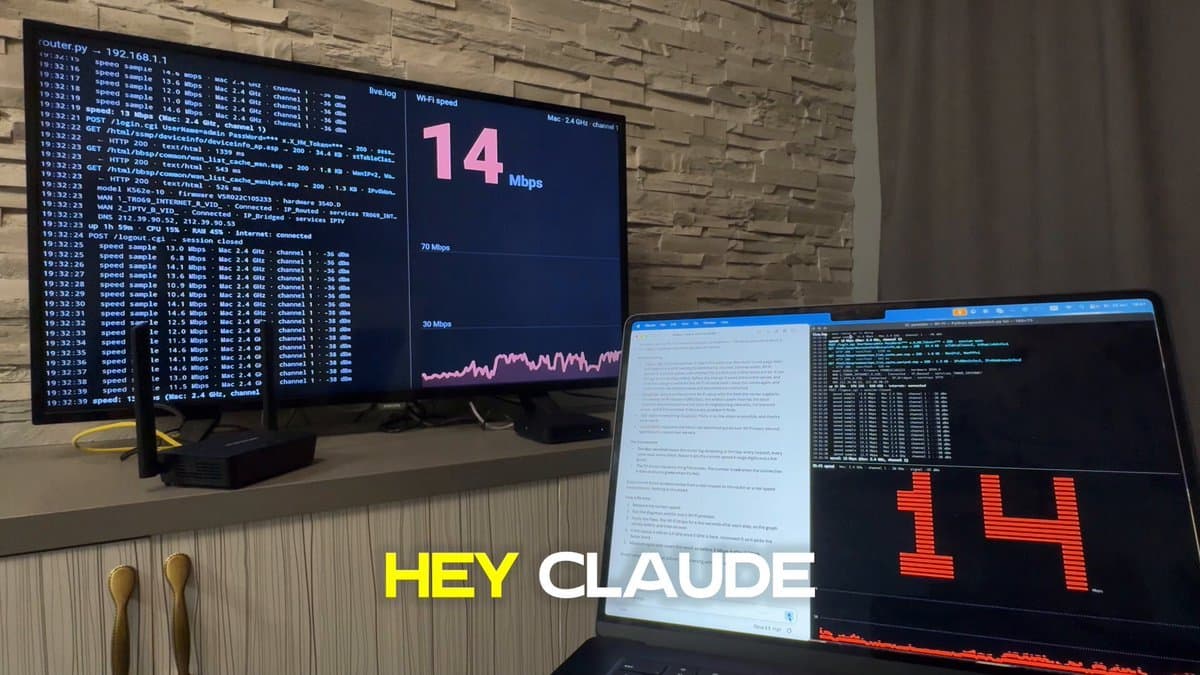
"I attached a photo of my router (if it shows a password, never repeat or save it). This is my own router on my home network. My Wi-Fi is slow: find out why, fix it, and leave me a way to control the router from this chat. If I say "just diagnose", change nothing. Done means: all router settings backed up in a "router" folder in my home folder, a speed test before and after, each fix applied only after my yes, a small tool so I can ask here "who's on my Wi-Fi" or "reboot the router", and a report: before X Mbps vs after Y Mbps, what changed, how to undo it. - Don't stop at the first wall. Try an official API, an open-source library or Home Assistant integration for this model, or the admin page's own JavaScript API. If login needs a captcha or my provider's account, open a browser and let me log in myself. If my provider hides the settings, tell me where to unlock them. - Password: give me one terminal command that saves it to my system's password store and read it from there. Never ask for it in chat, never print passwords, tokens or cookies. If login fails once, stop and ask me. - Check speed (including lag under load) and every Wi-Fi setting vs the best my router allows: band, channel and neighbors on it, width, mode, power, band steering. - Wi-Fi settings only, old and new value shown before each change. Never change the Wi-Fi name or passwords, reboot without asking, update firmware, reset, or use exploits. If a form resends the Wi-Fi password, keep it unchanged; read every value back after a change. - If the router can't be changed, fix what you can on my computer and write the exact message to send my provider. End with: Fixed, How to undo, What I need from you."
Wi-Fi router
Compatibility with specific models is unverified.
"I attached a photo of my router (if it shows a password, never repeat or save it). This is my own router on my home network. My Wi-Fi is slow: find out why, fix it, and leave me a way to control the router from this chat. If I say "just diagnose", change nothing. Done means: all router settings backed up in a "router" folder in my home folder, a speed test before and after, each fix applied only after my yes, a small tool so I can ask here "who's on my Wi-Fi" or "reboot the router", and a report: before X Mbps vs after Y Mbps, what changed, how to undo it. - Don't stop at the first wall. Try an official API, an open-source library or Home Assistant integration for this model, or the admin page's own JavaScript API. If login needs a captcha or my provider's account, open a browser and let me log in myself. If my provider hides the settings, tell me where to unlock them. - Password: give me one terminal command that saves it to my system's password store and read it from there. Never ask for it in chat, never print passwords, tokens or cookies. If login fails once, stop and ask me. - Check speed (including lag under load) and every Wi-Fi setting vs the best my router allows: band, channel and neighbors on it, width, mode, power, band steering. - Wi-Fi settings only, old and new value shown before each change. Never change the Wi-Fi name or passwords, reboot without asking, update firmware, reset, or use exploits. If a form resends the Wi-Fi password, keep it unchanged; read every value back after a change. - If the router can't be changed, fix what you can on my computer and write the exact message to send my provider. End with: Fixed, How to undo, What I need from you."
How did it go? Tips, problems, questions…
Diagnose slow Wi-Fi and control your home router
Diagnose home Wi-Fi performance, approve targeted fixes, and build a chat-controlled router tool with settings backups and undo instructions.
Feedback
How did it go? Tips, problems, questions…