Project
- Stars
- Started
- Issues
- License
Clean up your TV and control it locally
Use an AI coding agent to identify your TV, connect through supported local controls, perform reversible cleanup, install an open-source app, and automate playback.
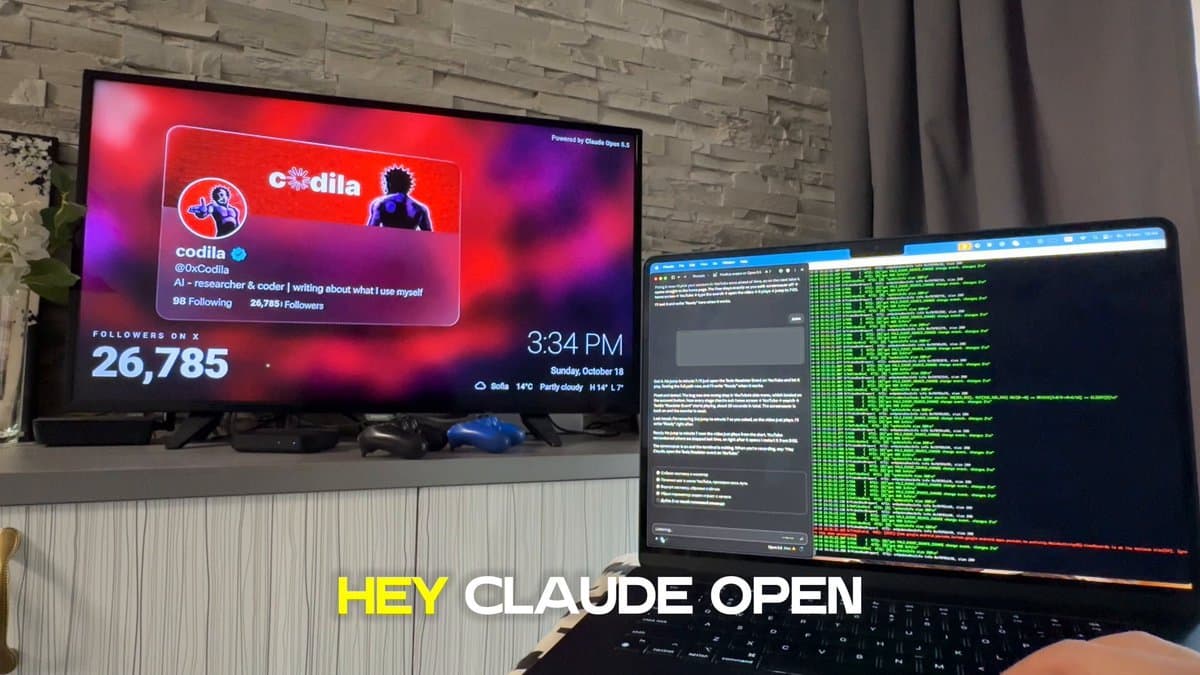
"This is my own TV on my own home network. It came full of preinstalled ads and apps I can't remove from the menu, and I want it clean, fast and controlled from this computer. I'll turn on developer mode myself with the remote and approve the connection on the TV. I authorize you to connect to it with ADB, Android's official developer tool, read its settings and make the changes below. Every change must be reversible. I've attached a photo of my TV or TV box (or its Settings → About screen). Done means: you're connected, the TV is cleaned of ads and bloat and runs faster, an open-source app of my choice is installed, and one command opens YouTube and plays a video I name while I watch each step on the TV. When a step doesn't need me, keep going. - Identify the model from the photo. If it isn't Android TV, Google TV or Fire TV, tell me what its official local-network control allows and do only that. - Install adb from official sources if it's missing. Tell me exactly what to press on my remote to turn on Developer options and USB or Wireless debugging, and to find the TV's IP. If adb connect is refused, use Wireless debugging pairing. On macOS, "No route to host" usually means the terminal needs Local Network access: allow it and retry. - Before changing anything, save the package list, every setting you'll touch and the undo commands. - Propose the cleanup and wait for my OK: disable (never uninstall) ad, recommendation, feedback and demo apps; never touch provider or live-TV apps, the launcher, Play Services, the keyboard or input services, or anything you can't identify; animations to 0.5; Private DNS dns.adguard-dns. com - Install apps only from their official GitHub releases, for example the TV Bro browser. - Use real key presses so I see every step, and check the screen (screenshot or uiautomator dump) before pressing OK. Screenshots of a playing video are blank because of DRM. Handle the "Who's watching?" screen. - Add a live monitor that prints each command with a timestamp and shows logcat only while a command runs. - End with a cheat sheet and the undo commands. Never type passwords or sign in for me, never root or flash anything, no pirate sites."
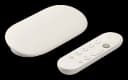
Android TV and Google TV
"This is my own TV on my own home network. It came full of preinstalled ads and apps I can't remove from the menu, and I want it clean, fast and controlled from this computer. I'll turn on developer mode myself with the remote and approve the connection on the TV. I authorize you to connect to it with ADB, Android's official developer tool, read its settings and make the changes below. Every change must be reversible. I've attached a photo of my TV or TV box (or its Settings → About screen). Done means: you're connected, the TV is cleaned of ads and bloat and runs faster, an open-source app of my choice is installed, and one command opens YouTube and plays a video I name while I watch each step on the TV. When a step doesn't need me, keep going. - Identify the model from the photo. If it isn't Android TV, Google TV or Fire TV, tell me what its official local-network control allows and do only that. - Install adb from official sources if it's missing. Tell me exactly what to press on my remote to turn on Developer options and USB or Wireless debugging, and to find the TV's IP. If adb connect is refused, use Wireless debugging pairing. On macOS, "No route to host" usually means the terminal needs Local Network access: allow it and retry. - Before changing anything, save the package list, every setting you'll touch and the undo commands. - Propose the cleanup and wait for my OK: disable (never uninstall) ad, recommendation, feedback and demo apps; never touch provider or live-TV apps, the launcher, Play Services, the keyboard or input services, or anything you can't identify; animations to 0.5; Private DNS dns.adguard-dns. com - Install apps only from their official GitHub releases, for example the TV Bro browser. - Use real key presses so I see every step, and check the screen (screenshot or uiautomator dump) before pressing OK. Screenshots of a playing video are blank because of DRM. Handle the "Who's watching?" screen. - Add a live monitor that prints each command with a timestamp and shows logcat only while a command runs. - End with a cheat sheet and the undo commands. Never type passwords or sign in for me, never root or flash anything, no pirate sites."
How did it go? Tips, problems, questions…
Clean up your TV and control it locally
Use an AI coding agent to identify your TV, connect through supported local controls, perform reversible cleanup, install an open-source app, and automate playback.
Android TV and Google TV
Feedback
How did it go? Tips, problems, questions…