Project
- Stars
- Started
- Issues
- License
Control Your PS5 From a Mac With Voice
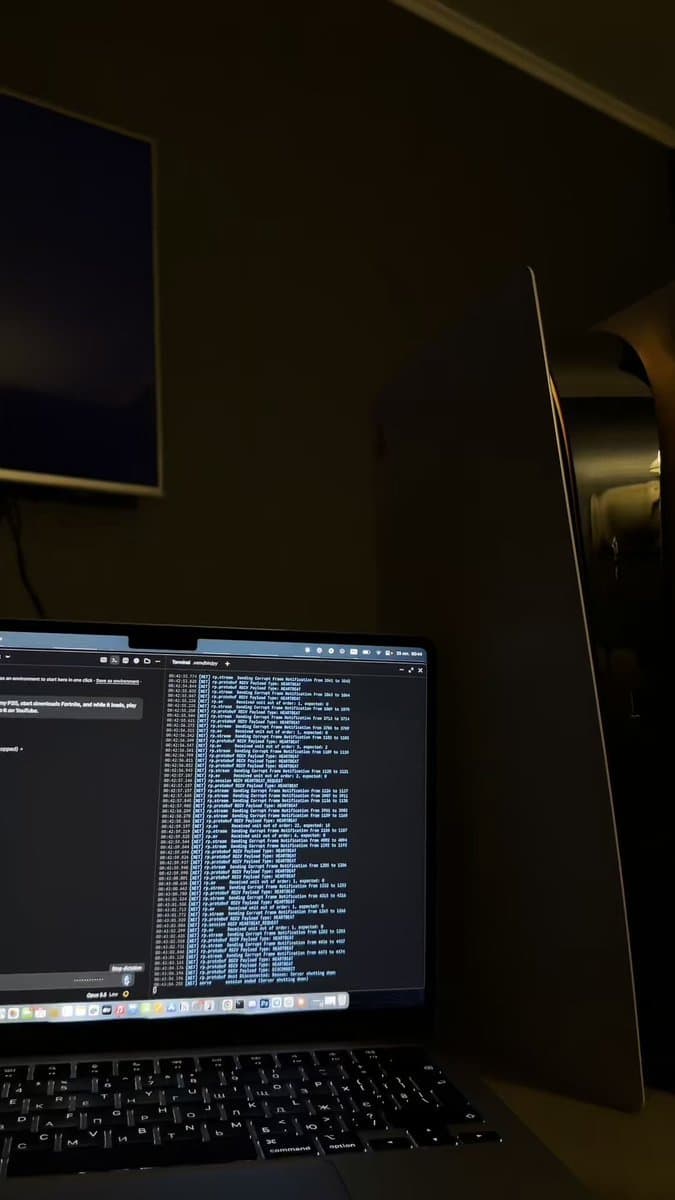
Wake your PS5, download free or owned games and play a chosen YouTube video through voice commands. The project provides a Mac client workflow for these console actions.

Sony PlayStation
How did it go? Tips, problems, questions…
This is my own PS5 on my own home network. Build a small client that controls it from this Mac while I watch on the TV. I authorize you to discover it on my network and study how it talks to other devices Goal: one voice command does this in order: wake the PS5, start downloading {{FREE_GAME}}, and while it downloads play {{YOUTUBE_VIDEO}} on YouTube How: - Find the console on the local network and show me what it reports (name, status, IP). On macOS "No route to host" means the terminal needs Local Network access - Study open-source projects that already talk to the PS5 over the network and explain the discovery, pairing, wake and input flow in plain words before writing code - Write your own https://t.co/nCd13GqNwC with: status, wake, rest, press, download, open, play, demo, watch. Reuse a library only where the protocol needs it and tell me which parts are yours - Tell me exactly which PS5 settings I need to turn on myself, and where - If pairing needs my account or a code shown on the console, tell me where to find it and wait. Never type my password - After wake, wait until the console is fully up and retry the connection if it fails - Navigate like a real controller. Read the video frame before every X so you know where the cursor is - download: go through Game Library, press Download only if the game is free or already mine. If a price appears, stop - play: open the YouTube app, pick Guest if it asks, then start the video by ID with YouTube's "Link with TV code" pairing instead of typing on the on-screen keyboard - Log every real event to ps5.log with timestamps (network, button presses, frame checks, decisions). Never log keys, tokens or codes. "https://t.co/nCd13GqNwC watch" shows it live in color - Propose each new action before the first run and wait for my OK Rules: - Never buy anything - Never touch system settings, firmware, saves or account settings - No jailbreak, no exploits, no modified firmware - Everything must be undoable from the normal PS5 menu End with a cheat sheet of every command, how to run wake + download on a schedule from this Mac, and how to unpair this Mac from the console
This is my own PS5 on my own home network. Build a small client that controls it from this Mac while I watch on the TV. I authorize you to discover it on my network and study how it talks to other devices Goal: one voice command does this in order: wake the PS5, start downloading {{FREE_GAME}}, and while it downloads play {{YOUTUBE_VIDEO}} on YouTube How: - Find the console on the local network and show me what it reports (name, status, IP). On macOS "No route to host" means the terminal needs Local Network access - Study open-source projects that already talk to the PS5 over the network and explain the discovery, pairing, wake and input flow in plain words before writing code - Write your own https://t.co/nCd13GqNwC with: status, wake, rest, press, download, open, play, demo, watch. Reuse a library only where the protocol needs it and tell me which parts are yours - Tell me exactly which PS5 settings I need to turn on myself, and where - If pairing needs my account or a code shown on the console, tell me where to find it and wait. Never type my password - After wake, wait until the console is fully up and retry the connection if it fails - Navigate like a real controller. Read the video frame before every X so you know where the cursor is - download: go through Game Library, press Download only if the game is free or already mine. If a price appears, stop - play: open the YouTube app, pick Guest if it asks, then start the video by ID with YouTube's "Link with TV code" pairing instead of typing on the on-screen keyboard - Log every real event to ps5.log with timestamps (network, button presses, frame checks, decisions). Never log keys, tokens or codes. "https://t.co/nCd13GqNwC watch" shows it live in color - Propose each new action before the first run and wait for my OK Rules: - Never buy anything - Never touch system settings, firmware, saves or account settings - No jailbreak, no exploits, no modified firmware - Everything must be undoable from the normal PS5 menu End with a cheat sheet of every command, how to run wake + download on a schedule from this Mac, and how to unpair this Mac from the console
Control Your PS5 From a Mac With Voice
Wake your PS5, download free or owned games and play a chosen YouTube video through voice commands. The project provides a Mac client workflow for these console actions.
Sony PlayStation
Feedback
How did it go? Tips, problems, questions…