Project
- Stars
- Started
- Issues
- License
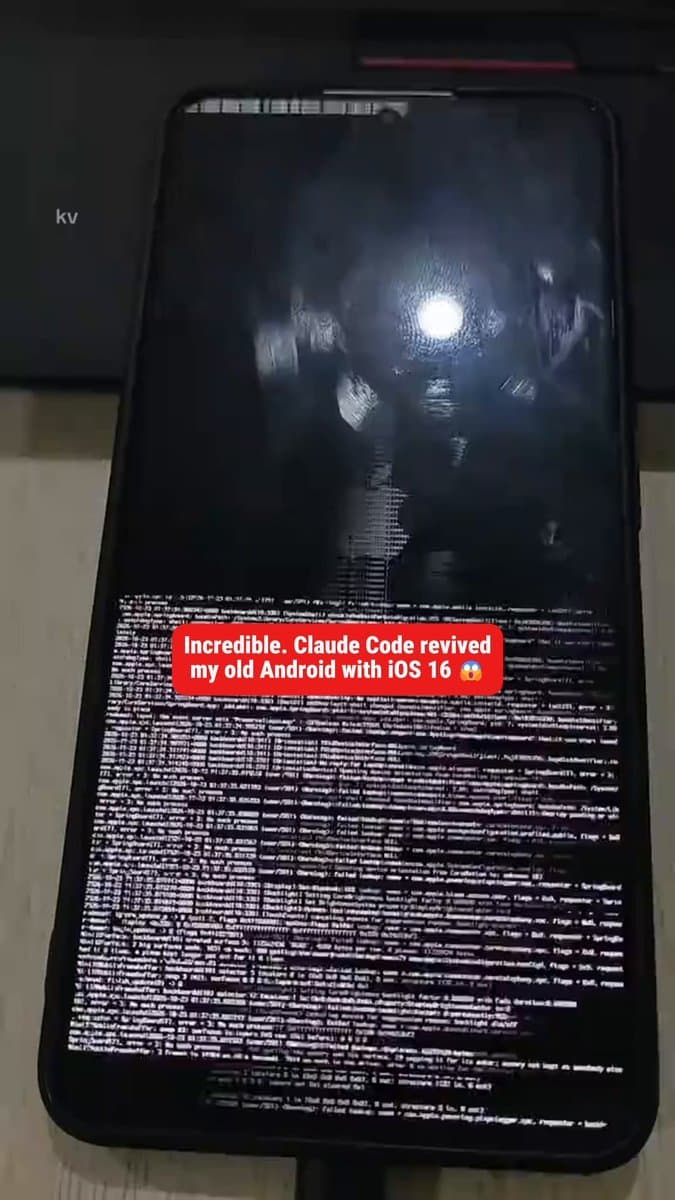
Revive an old Android with an iPhone-style interface
Guide Claude Code through tuning an owner's Android phone, configuring supported storage and memory options, and installing an iPhone-style interface.
Help me revive my old Android phone and make it look and feel like an iPhone. Go step by step, explain each step in plain language, and ask me before every change. Never uninstall anything, only disable, and keep everything reversible. 1. Connect Install adb if it's missing. Tell me exactly how to turn on Developer options and USB debugging on my model, and when to tap 'Allow' on the phone. 2. Back up first Save the full list of installed packages to backup/packages.txt and write a https://t.co/0T3sQPGoZv script that re-enables everything you disable later. 3. Memory Check if my phone supports virtual RAM (often called RAM Plus, Virtual RAM or Memory Extension) and turn it on to the highest setting it allows. If it doesn't support it, tell me honestly. 4. Storage If the phone has a memory card slot and a card in it, walk me through formatting the card as internal storage so Android treats it as one drive. Warn me first that this erases the card, and remind me to copy anything on it. 5. Speed List the preinstalled apps and sort them into: bloat, manufacturer trackers, and system apps the phone needs. After I approve, disable the bloat with pm disable-user --user 0. Set all animation scales to 0.5x and stop apps I don't use from running in the background. 6. Battery Switch on dark mode and turn off background syncing and services that wake the phone up at night, only the ones I approve. 7. Ads Set Private DNS to an ad-blocking provider so ads are blocked across every app. 8. The iPhone look Install an iOS-style launcher, control center and icon pack that I approve, set it as the default home screen, and set up the dock and home screen like an iPhone. 9. Finish Show me a before/after summary: RAM, free storage, boot time, and what you changed. Remind me that https://t.co/0T3sQPGoZv undoes everything. If something doesn't match my phone, stop and tell me instead of guessing.
Android
Compatibility with specific models is unverified.
Help me revive my old Android phone and make it look and feel like an iPhone. Go step by step, explain each step in plain language, and ask me before every change. Never uninstall anything, only disable, and keep everything reversible. 1. Connect Install adb if it's missing. Tell me exactly how to turn on Developer options and USB debugging on my model, and when to tap 'Allow' on the phone. 2. Back up first Save the full list of installed packages to backup/packages.txt and write a https://t.co/0T3sQPGoZv script that re-enables everything you disable later. 3. Memory Check if my phone supports virtual RAM (often called RAM Plus, Virtual RAM or Memory Extension) and turn it on to the highest setting it allows. If it doesn't support it, tell me honestly. 4. Storage If the phone has a memory card slot and a card in it, walk me through formatting the card as internal storage so Android treats it as one drive. Warn me first that this erases the card, and remind me to copy anything on it. 5. Speed List the preinstalled apps and sort them into: bloat, manufacturer trackers, and system apps the phone needs. After I approve, disable the bloat with pm disable-user --user 0. Set all animation scales to 0.5x and stop apps I don't use from running in the background. 6. Battery Switch on dark mode and turn off background syncing and services that wake the phone up at night, only the ones I approve. 7. Ads Set Private DNS to an ad-blocking provider so ads are blocked across every app. 8. The iPhone look Install an iOS-style launcher, control center and icon pack that I approve, set it as the default home screen, and set up the dock and home screen like an iPhone. 9. Finish Show me a before/after summary: RAM, free storage, boot time, and what you changed. Remind me that https://t.co/0T3sQPGoZv undoes everything. If something doesn't match my phone, stop and tell me instead of guessing.
How did it go? Tips, problems, questions…
Revive an old Android with an iPhone-style interface
Guide Claude Code through tuning an owner's Android phone, configuring supported storage and memory options, and installing an iPhone-style interface.
Feedback
How did it go? Tips, problems, questions…